






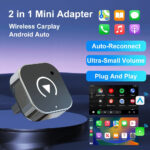



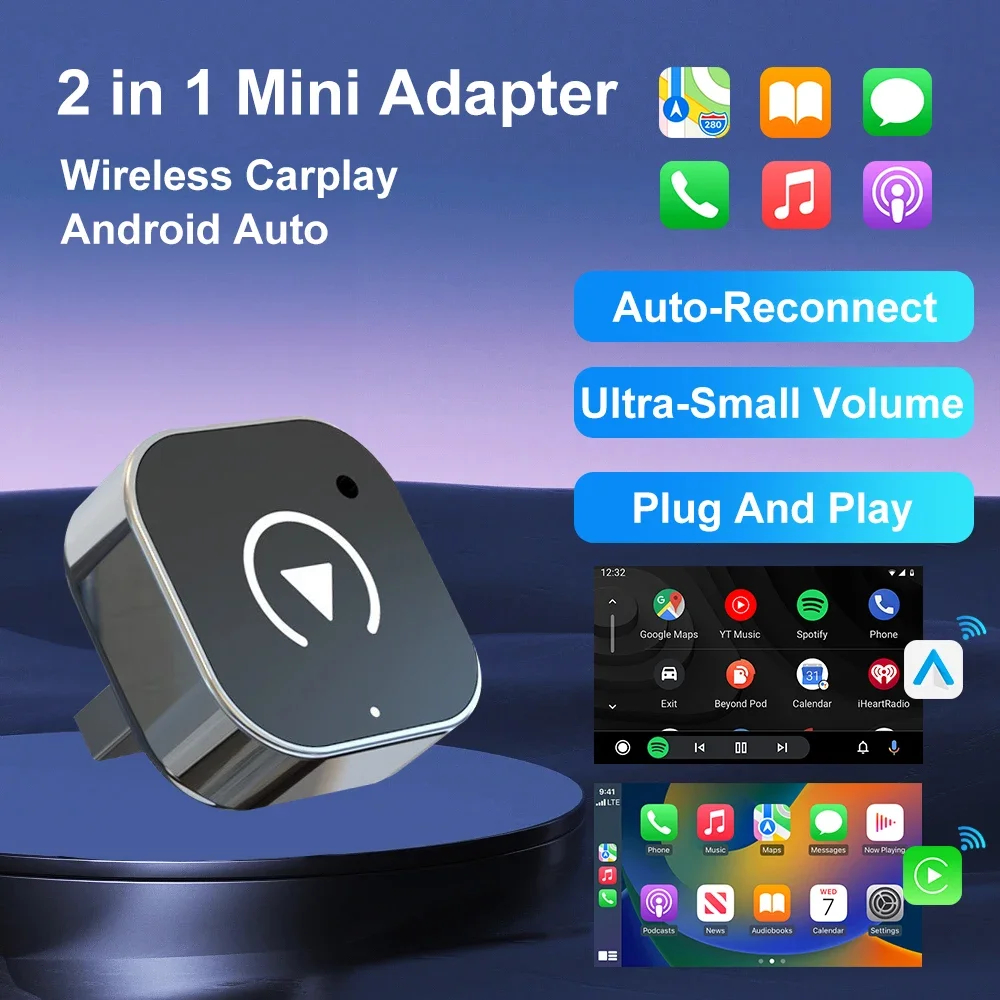
Turn your car’s wired Apple CarPlay or Android Auto into a fully wireless connection in seconds. Just plug this dongle into your existing CarPlay/Android Auto port – your phone connects automatically over WiFi and Bluetooth every time you get in, no cable required.
KEY FEATURES
- True plug-and-play setup – no app download or account required
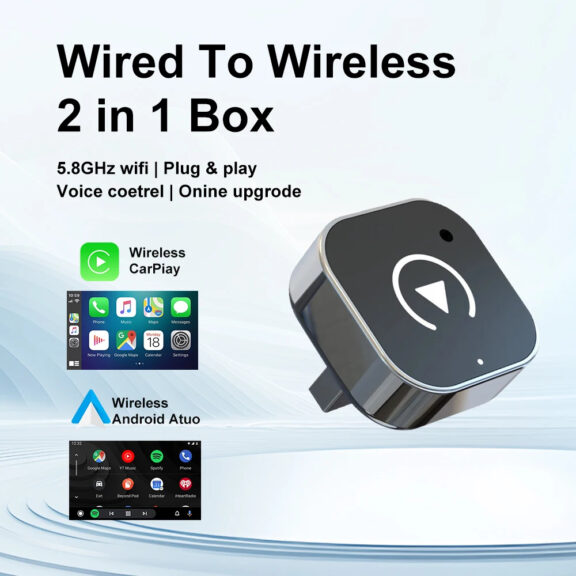
- 5GHz WiFi connection for a fast, stable signal with minimal lag
- Bluetooth 5.0 for quick auto-reconnect every time you start the car
- Works with both wired Apple CarPlay and wired Android Auto systems
- Over-the-air (OTA) firmware updates to keep compatibility current
- Oversized, tapered fit
- Compact, low-profile design that tucks out of sight near the USB port
WHAT’S IN THE BOX
- 1x Wireless CarPlay & Android Auto Adapter
- 1x USB connection cable
- 1x Quick start guide
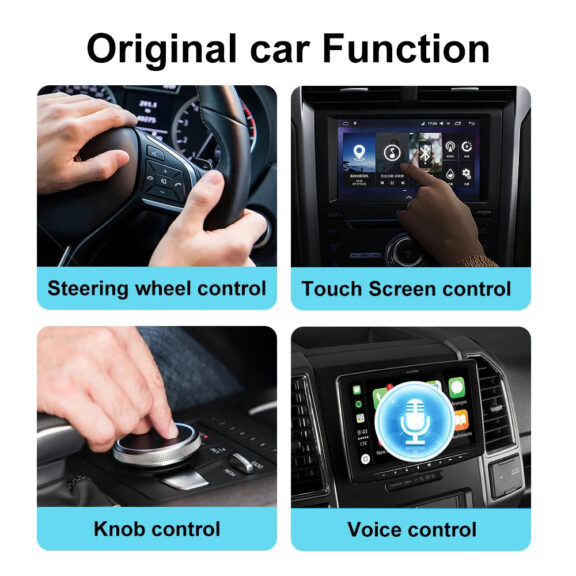
COMPATIBILITY
SETUP
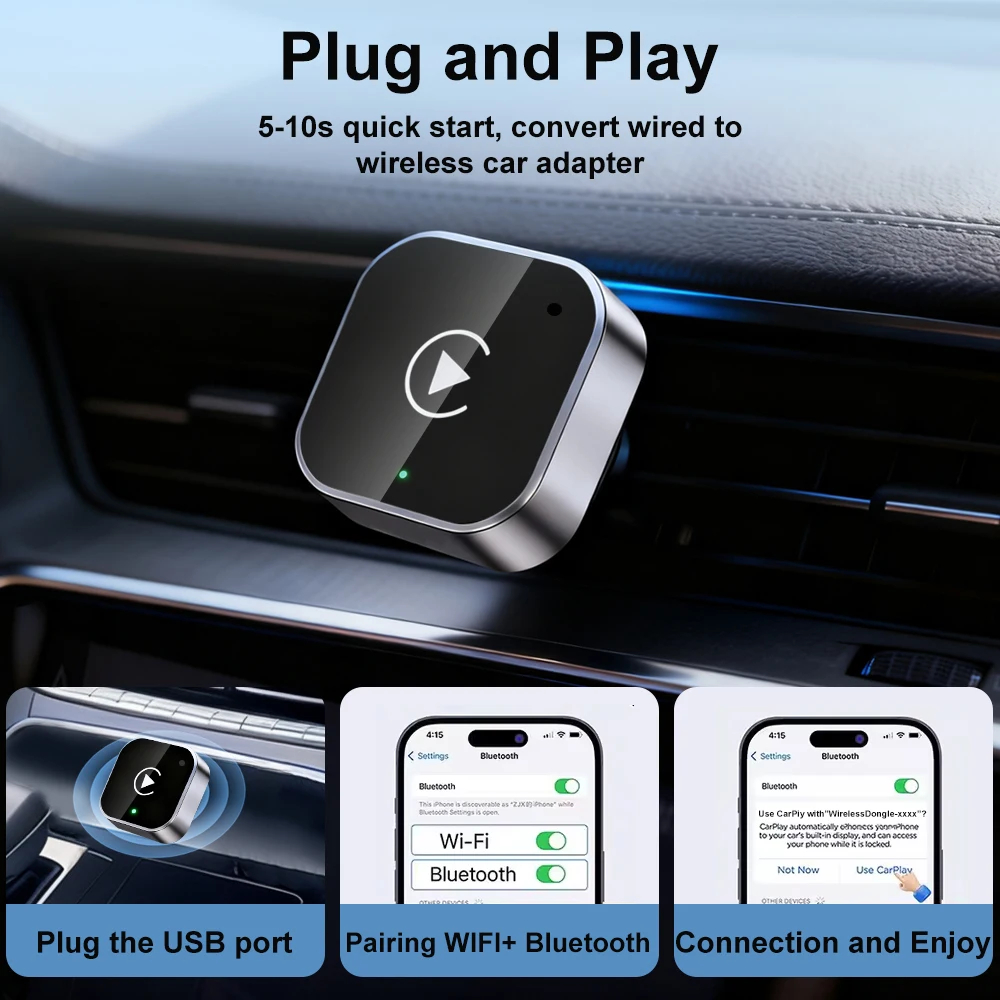
- Plug the adapter into your car’s USB port (the same port you’d normally use for a wired CarPlay/Android Auto cable)
- On first use, follow the on-screen pairing prompt to connect your phone via Bluetooth
- Once paired, CarPlay or Android Auto will launch automatically every time you start your car with your phone nearby – no cable needed
Everything You Need to Know About the Wireless CarPlay Adapter
If you've ever fumbled for a USB cable before pulling out of the driveway, you already know why a wireless CarPlay adapter is worth the upgrade. This 2-in-1 dongle takes the wired Apple CarPlay or Android Auto system your car already has and makes it fully wireless - no new head unit, no dealership visit, no monthly subscription. Just plug it in once and every trip after that connects itself.
How a Wireless CarPlay Adapter Works
Modern cars with built-in CarPlay or Android Auto normally require a USB cable running from your phone to the dashboard every single time you drive. A wireless CarPlay adapter sits in that USB port permanently and acts as a translator: your phone connects to the adapter over Bluetooth and WiFi instead of a cable, and the adapter forwards that connection to your car's screen exactly as if you'd plugged in manually. The first connection takes a short Bluetooth pairing step. After that, the adapter remembers your phone, so it reconnects automatically the moment you start the engine with your phone anywhere in the car.
This particular adapter uses a 5GHz WiFi connection rather than the older, more congested 2.4GHz band, which means a more stable link with less interference from other WiFi devices nearby — useful in parking garages, dense city driving, or anywhere signal competition is high. It's paired with Bluetooth 5.0 for the initial handshake and reconnect signal, which is faster and more power-efficient than older Bluetooth versions.
Wireless vs. Wired CarPlay: What Actually Changes
The functionality of CarPlay or Android Auto itself doesn't change - you get the same apps, the same maps, the same music controls you're used to. What changes is entirely about the cable. No more searching for your charging cord before a drive, no more cable wear from constant plugging and unplugging, and no more being tethered to the exact spot where the USB port sits. Your phone can stay in a pocket, bag, or wireless charging pad instead of physically connected to the dashboard.
It's worth being clear about one thing this device does not do: it doesn't add CarPlay or Android Auto to a car that doesn't already support it. If your infotainment system doesn't currently offer wired CarPlay or Android Auto at all, this adapter has nothing to convert. It's specifically for upgrading an existing wired connection to a wireless one.
Who This Adapter Is For
This is built for daily drivers who are tired of the cable routine — commuters, rideshare drivers, parents shuttling kids, or anyone who just wants one less thing to think about before pulling out. It's also a good fit if you're the kind of household where more than one person drives the same car, since it works with both iPhone and Android without needing to swap cables or settings between drivers.
Wireless CarPlay Adapter - Frequently Asked Questions
Does this wireless CarPlay adapter work with my car?
It works with any vehicle that already has a factory-installed wired Apple CarPlay or Android Auto system. It converts that existing wired connection to wireless — it can't add CarPlay or Android Auto to a car that doesn't already support it. Check your infotainment settings for "Apple CarPlay" or "Android Auto" to confirm before ordering.
Do I need to install an app to use it?
No. This is a true plug-and-play device — there's no companion app, account, or subscription required. You pair your phone once over Bluetooth, and it connects automatically from then on.
Does it work with both iPhone and Android?
Yes. This is a 2-in-1 adapter that supports both wired-to-wireless Apple CarPlay and wired-to-wireless Android Auto, so it works no matter whose phone is in the car that day.
Will the wireless connection lag or drop while driving?
It's built around a 5GHz WiFi connection combined with Bluetooth 5.0, which gives a more stable, lower-lag link than older 2.4GHz-only adapters. Bluetooth 5.0 also means it auto-reconnects quickly every time you start the car instead of requiring you to re-pair manually.
How long does setup take?
First-time setup takes about a minute - plug it into your car's USB port and follow the on-screen Bluetooth pairing prompt. Every trip after that, it connects automatically as soon as you start the car with your phone nearby.
Does the adapter need firmware updates?
It supports over-the-air (OTA) firmware updates, so compatibility improvements and bug fixes install automatically without needing to send the device anywhere.
Can I still use a cable if I want to?
Yes - the adapter doesn't disable your existing wired port. If you'd rather plug in directly (for example, to charge while driving), you can still do that alongside using the adapter for other trips.
What's included when I order it?
Each order includes the wireless CarPlay adapter itself, a USB connection cable, and a quick start guide to walk you through first-time pairing.
Reviews
There are no reviews yet.